CountPill
Pill counting tray, counting machine or app: which one?
Most pharmacies count with a tray and spatula. Some buy a counting machine. A phone app is a third option. Here is how they compare and where each one fits.
At a glance
| Counting tray | Counting machine | Photo counting app | |
|---|---|---|---|
| How it counts | By hand, usually in fives | Optical sensor or weight as pills pass through | A model finds every pill in a photo |
| Cost | A few dollars | Hundreds to thousands of dollars | Free on the web; an app subscription for records |
| Speed on a 90-count | About a minute, more if interrupted | Seconds | A few seconds plus a look over the result |
| Where it works | Anywhere | At the station where it sits | Anywhere you have a phone |
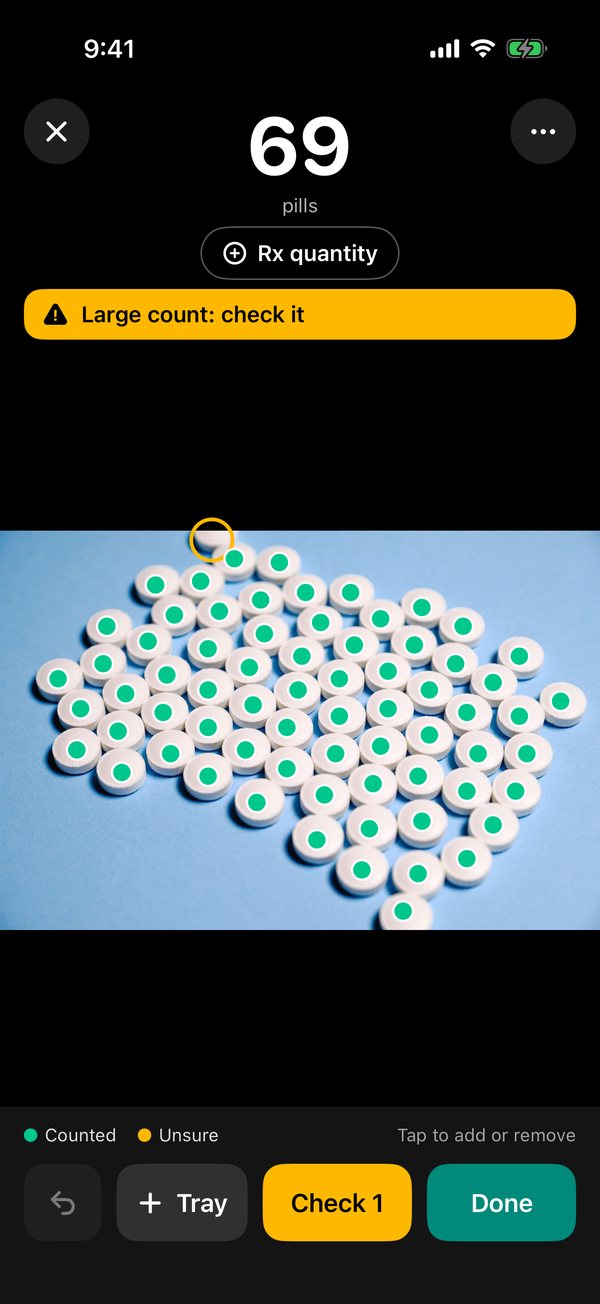
| Shows its work | No | No | Yes: a dot on every pill, unsure spots marked |
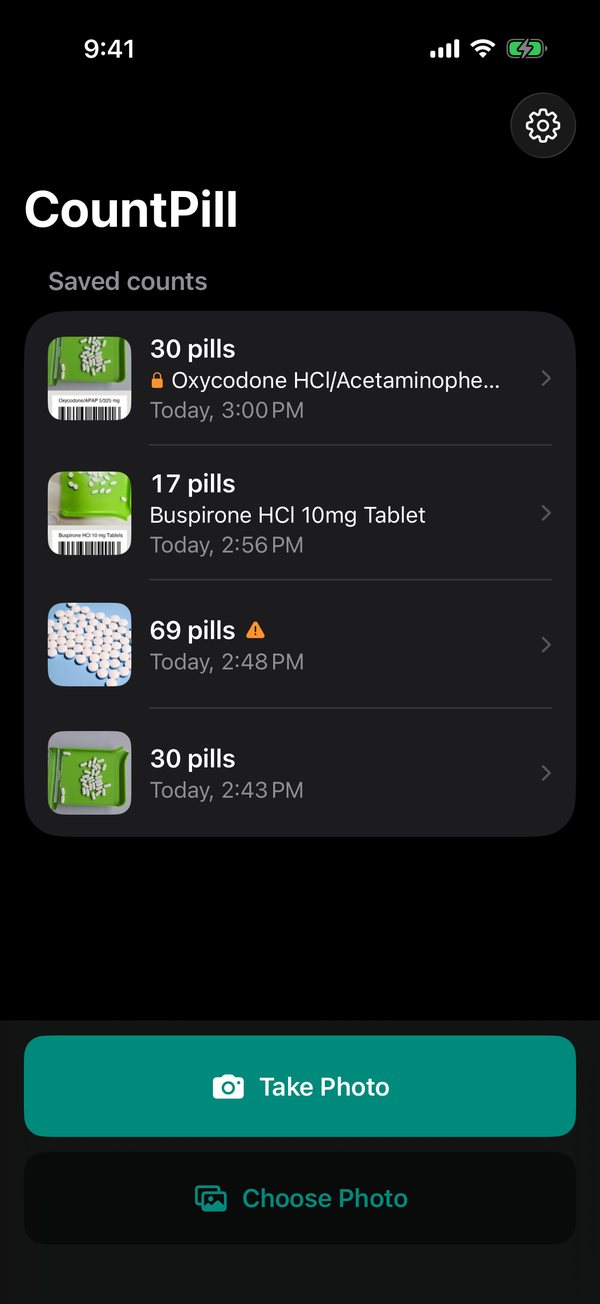
| Record of the count | Only what you write down | Some models log counts | A photo with the dots; history and reports in the app |
| Cleaning between drugs | Wipe the tray | Clean the channels and hopper | Wipe the tray |
Counting tray and spatula
The standard method in most community pharmacies. You slide pills into groups of five, sweep the counted ones into the chute, and tip them into the vial. It costs almost nothing and works for any tablet or capsule.
Its weak point is people, not the tray: a phone call or a question at the counter mid-count, and it's easy to lose your place. It also leaves no record beyond what you write down.
Electronic counting machines
Tablet counters pour pills past a sensor, or weigh them against a reference count. They're fast and consistent for high-volume pharmacies. They cost a lot, need calibrating and cleaning between drugs to avoid cross-contamination, and they're fixed to one spot. Weight-based counters can drift when tablets chip or vary in weight.
Photo counting apps
A phone takes one picture of the tray and a model marks every pill. It's quick, it works anywhere, and, unlike the other two, it shows its work: you can see which pills were counted and which spots it wasn't sure about, and fix them with a tap.
It needs a decent photo: one layer, from above, no flash glare. Heaps and blister packs cause misses. It's best used as a second count alongside the tray, or for checks where a count by hand would take a long time.
The CountPill web counter is free and runs in the browser without uploading the photo. The CountPill iPhone app adds the Rx quantity check, barcode and label reading, double counts for controlled drugs, and reports.
Which one should you use?
- Low to medium volume: a tray, with a photo count as a second check on large or controlled counts.
- High volume at one station: a counting machine, with a tray for odd shapes and a photo app for stock checks away from the station.
- At home: a plate and a photo app. See counting pills at home.
Whatever the method, the pharmacist's verification is still the final check.
The CountPill iPhone app · coming soon
Counting pills every day? The app keeps the record.
- Live count from the camera, with a level so you shoot straight down.
- Rx quantity check: "Need 4 more", "Matches" or "2 too many", as you count.
- Stock-bottle barcode and Rx label reading to catch the wrong bottle.
- Double counts for controlled drugs, with both counts kept.
- History, search, and PDF and CSV reports with photos, lot, expiry and initials.
One email when it's on the App Store. No newsletter. Tell us what you need in the same form.